By connecting the work breakdown structure to cost data, baselines, and S-Curve progress tracking, Minarta's three-day program gave its project teams hands-on practice in building and controlling schedules the way construction projects are actually managed.
Leadership Backing for Planning Discipline
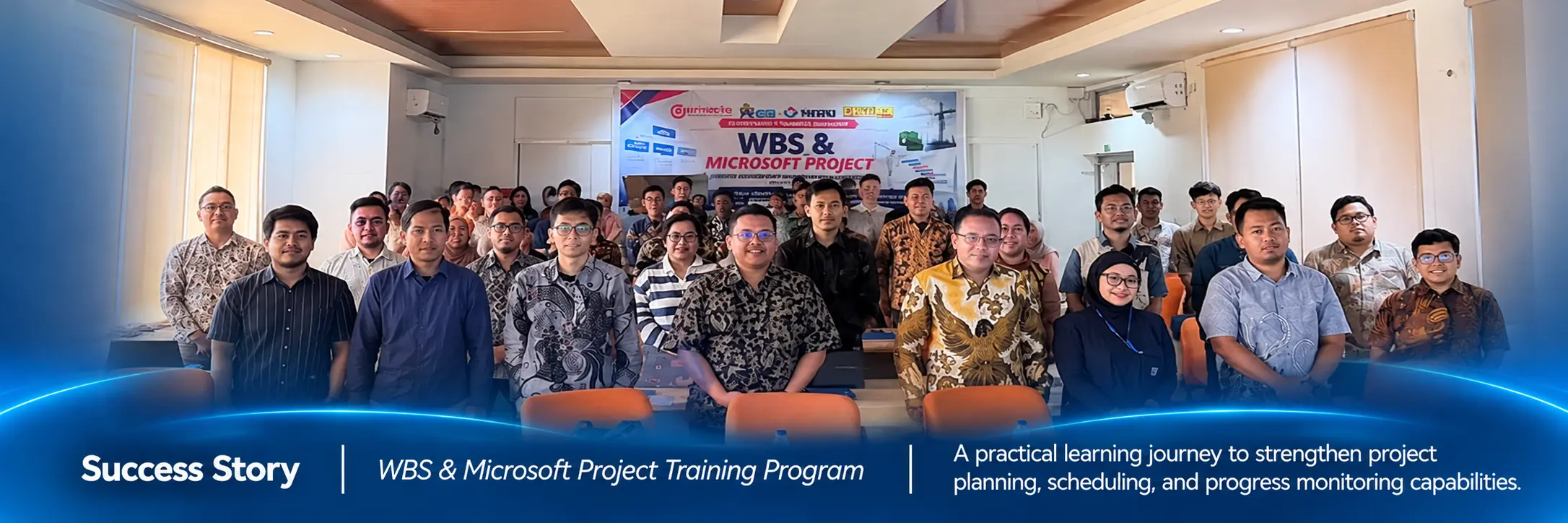
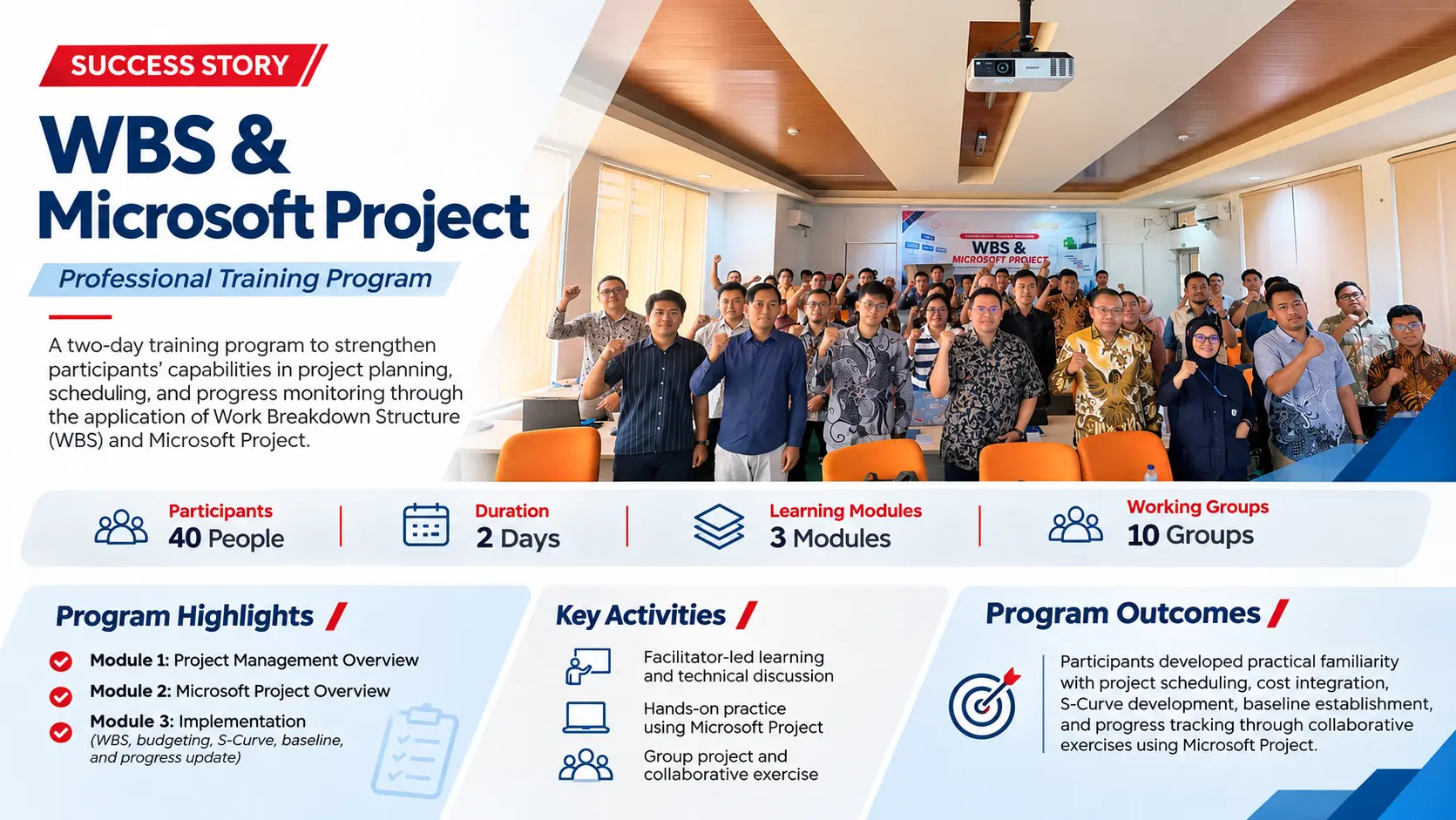
Minarta, a company operating in the engineering and construction sector, partnered with Avenew Academy in 2026 to deliver an in-house, three-day program on Work Breakdown Structure (WBS) and Microsoft Project for 40 of its people. The program opened with remarks from the company's senior leadership, including the President Director, the General Manager of Operations, and the General Manager of Human Capital. That signalled that project planning and control were treated as an organizational priority rather than a technical side topic.
Where Schedules Meet Budgets
In construction, a project schedule is rarely just a list of dates. It has to reflect the scope of work, the quantities involved, and the budget attached to each activity. When the schedule, the cost estimate (RAB), and the execution budget (RAP) are built separately, teams can struggle to see how progress on site translates into cost performance, or how a change in work volume affects both time and money.
Microsoft Project can bring these elements together, but only when it is used with a sound structure underneath. A schedule built without a clear WBS, or without a properly set baseline, is difficult to update and even harder to rely on for decision-making. For a company of Minarta's scope, the opportunity was to give a broad group of project personnel a shared approach to structuring work, linking it to cost, and tracking progress consistently. The goal was more than familiarity with the software's features.
From Project Fundamentals to Applied Scheduling
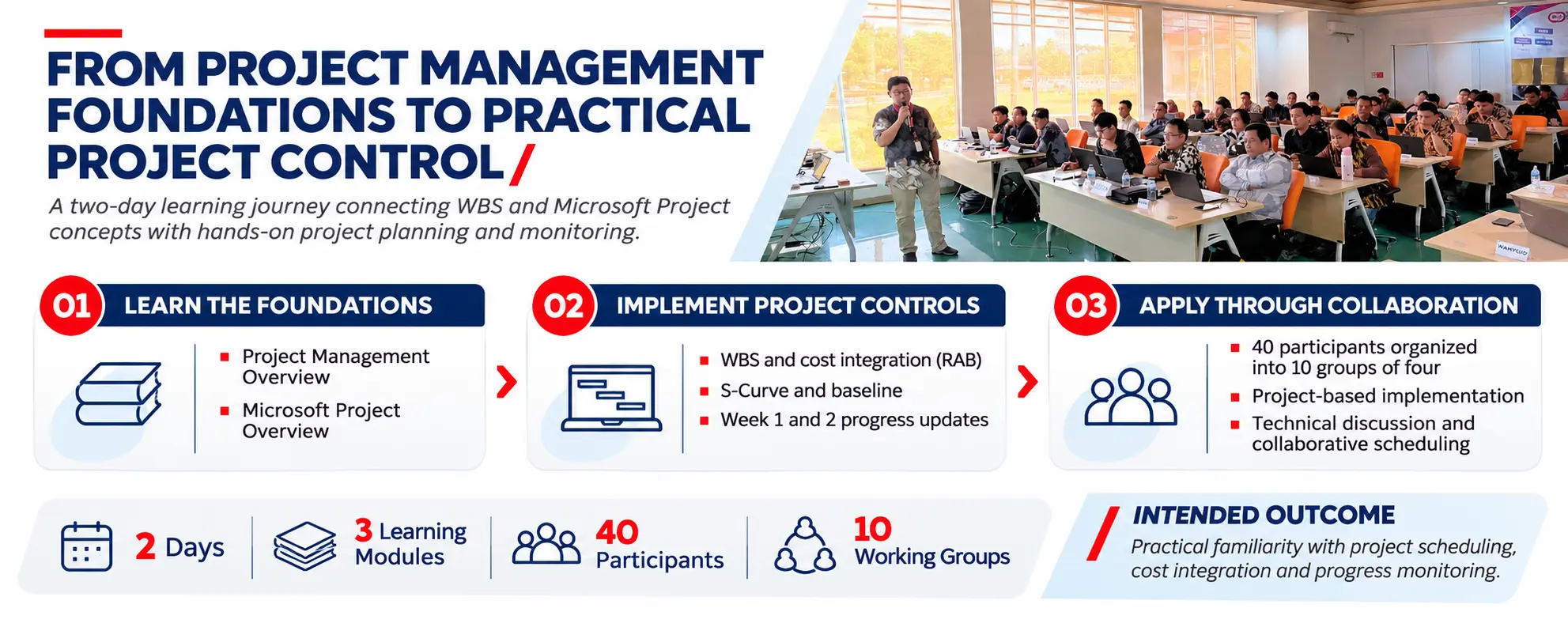
Avenew Academy designed the program to move from principles to practice. Facilitator Eric Kristianto opened with a project management overview, establishing the logic of scope, structure, and control before introducing the tool itself. The second module provided an overview of Microsoft Project, so participants understood how the software reflects those project management concepts rather than treating it as a standalone application.
The third module, focused on implementation, formed the core of the program. Participants worked through aligning the RAB with cost data in Microsoft Project, a step that ties the schedule directly to the financial plan familiar to construction teams. The program then progressed to developing the S-Curve, setting the project baseline, and updating actual progress across the first and second weeks of a project timeline. This sequence mirrors the real rhythm of construction project control: plan the work, fix the reference point, then measure performance against it over time.
Once the core concepts were in place, the class shifted into applied group work. Participants were organized into ten groups of four, and each group built a project using the WBS and Microsoft Project techniques covered in the earlier sessions. This structure moved the learning out of demonstration mode. Participants had to make the decisions themselves, from breaking down the work to structuring and managing the project schedule, while discussing the reasoning with colleagues who might approach the same problem differently.
Practice Grounded in Real Project Questions
The clearest signal from the program was the depth of participant engagement. Throughout the sessions, participants were active in question-and-answer segments and discussions, and many of those conversations moved quickly from general concepts to the practical realities of their own work. Questions centred on how to add new work items, incorporate the RAP, and adjust work volumes within a schedule. These are the situations project teams face whenever scope or quantities change during execution.
Some of these technical questions went beyond what the available session time allowed and were noted as areas for further exploration. That interest itself is a useful indicator. Participants were not only following the material but testing it against the complexity of real construction projects, and identifying where they wanted to build further depth.
The group implementation sessions were equally interactive. Facilitator observations noted that discussions were particularly lively around the stages of building and managing a project schedule in Microsoft Project, and that groups engaged actively in applying the WBS and scheduling material through hands-on practice.
Through the program, participants developed a working foundation in structuring project scope through a WBS, connecting schedules to cost data, establishing a baseline, generating an S-Curve, and recording progress updates against that baseline. Just as importantly, they practised these steps together, as small teams working through a common method. That creates a shared reference point for how schedules can be built and discussed across Minarta's projects.
Capability That Extends Beyond the Software
Learning a scheduling tool is only valuable when it strengthens the way people plan and control their work. Minarta's program reflects how Avenew Academy approaches capability development. Technical skills are anchored in sound project management practice and connected to the realities participants face on their own projects. The aim is for teams to gain the knowledge and confidence to build schedules that support better project execution.